






















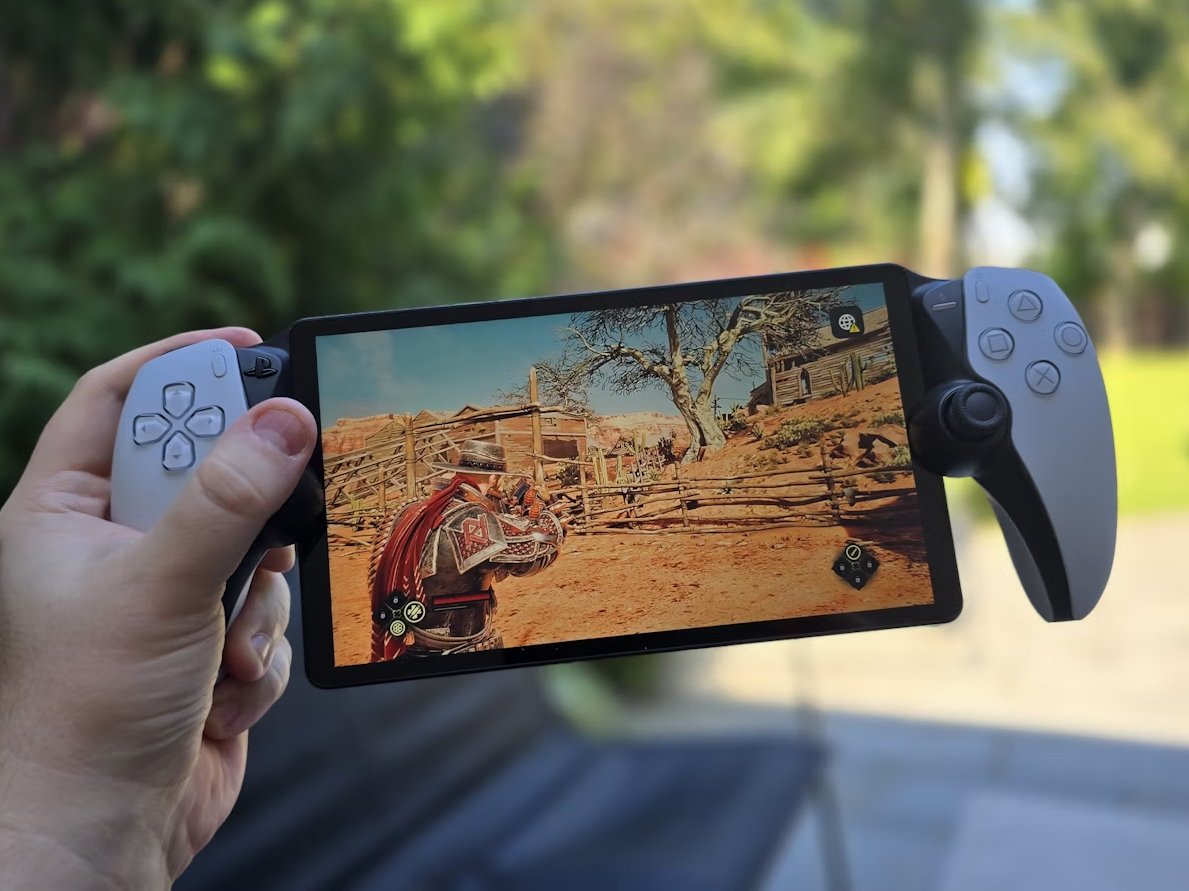
The gaming world changes fast, but every so often a device comes along that sparks debate instead of simple excitement. The PS Portal is one of those devices. Some players call it a game-changer for remote play, while others feel it’s an unnecessary accessory in an already crowded ecosystem.
But here’s the real question: how does the PS Portal actually perform in real gaming conditions?
Not marketing demos. Not polished trailers. Real-life gameplay.
In this PS Portal performance review, we’ll break down everything that matters—speed, responsiveness, display quality, connectivity, and overall gaming experience. If you’ve been thinking about buying it, this deep dive will help you decide with confidence.
What Exactly Is the PS Portal?
Before diving into performance, it’s important to understand what the PS Portal actually does.
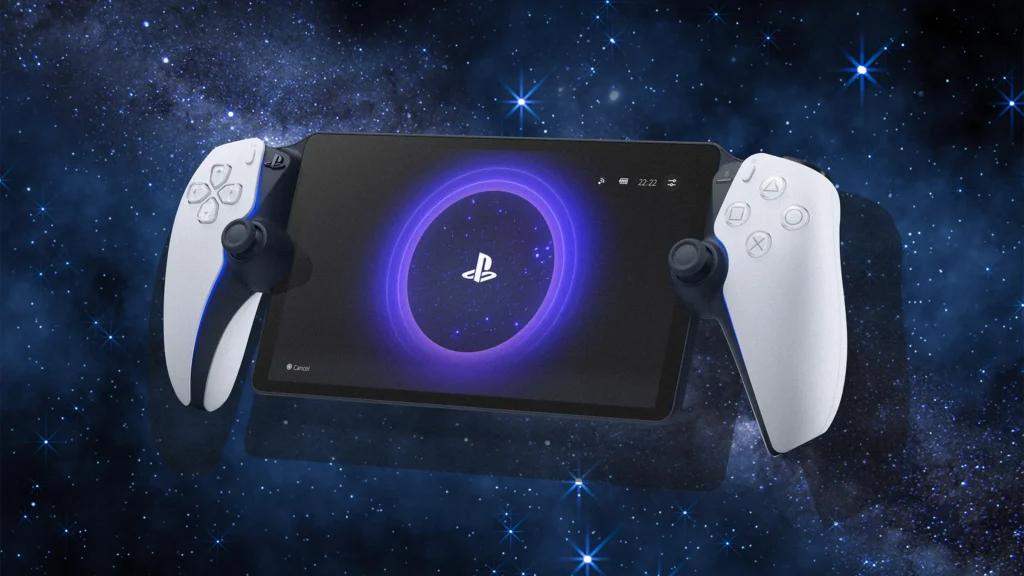
The PS Portal is a dedicated remote-play handheld device designed by Sony. It connects to your PlayStation 5 over Wi-Fi and streams games directly to its screen. Unlike traditional handheld consoles, it doesn’t run games natively.
That means the PS Portal depends heavily on your home network and PS5 performance.
In simple terms:
- Your PS5 runs the game
- The PS Portal displays it remotely
- Input is sent back through Wi-Fi
This setup is both its biggest strength and its biggest limitation.
PS Portal Performance Overview
When talking about PS Portal performance, there are four key areas gamers care about:
- Input latency
- Streaming stability
- Visual quality
- Network dependency
Let’s break each one down.
Input Latency: The Most Important Factor
For any gaming device, response time is everything. Even a few milliseconds of delay can ruin competitive gameplay.
In the case of the PS Portal, latency is surprisingly well-optimized—but not perfect.
What It Feels Like in Real Play
In stable home conditions:
- Single-player games feel smooth
- Action titles remain playable
- Menu navigation is fast and responsive
However, in competitive games, you may notice:
- Slight input delay during fast reactions
- Minor desync in high-speed shooters
- Variations depending on Wi-Fi strength
The PS Portal performs best when your PS5 is wired via Ethernet and your network is strong. Without that, latency becomes inconsistent.
Streaming Quality and Visual Experience
One of the strongest points of the PS Portal is its screen.
It features a crisp display that makes remote play surprisingly enjoyable.
Visual Strengths of PS Portal
- Sharp 1080p resolution
- Smooth frame delivery in ideal conditions
- Good color reproduction
- No noticeable screen tearing
When the connection is stable, the PS Portal delivers visuals that feel close to native handheld gaming.
Where It Struggles
The PS Portal does rely heavily on streaming quality, so issues may appear:
- Compression artifacts during fast motion
- Slight blur in darker scenes
- Frame drops during network congestion
These issues are not constant, but they do appear depending on environment.
Connectivity: The Real Performance Bottleneck
If there is one thing every PS Portal performance review eventually comes back to, it’s connectivity.
The PS Portal is only as strong as your Wi-Fi.
Ideal Setup for Best Performance
To get the most out of the PS Portal, you need:
- PS5 connected via LAN cable
- 5GHz Wi-Fi network
- Low network congestion
- Close range to router
Without these, performance drops quickly.
Real-World Example
A gamer using the PS Portal in a small apartment with strong Wi-Fi will likely experience:
- Smooth gameplay
- Minimal lag
- Stable frame rates
Meanwhile, someone using it in a large house with weak signals may experience:
- Input delay spikes
- Stuttering gameplay
- Random disconnections
So yes, the PS Portal is powerful—but also sensitive.
Gaming Experience: What It Feels Like Daily
Now let’s talk about the real user experience.
The PS Portal shines in casual and story-driven games. It feels natural, comfortable, and immersive when conditions are right.
Best Game Types for PS Portal
- Single-player adventures
- RPGs with slower pacing
- Simulation games
- Turn-based strategy titles
These games feel almost perfect on the PS Portal.
Challenging Game Types
- Competitive shooters
- Fighting games
- Fast-paced racing titles
In these cases, even small delays on the PS Portal can affect performance.
Battery Life and Practical Use
Battery performance is another important part of the PS Portal experience.
Real Usage Expectations
On average, the PS Portal offers:
- Moderate gameplay sessions
- Several hours of continuous use
- Stable performance without overheating
It is not designed for all-day marathon gaming, but for typical home use, it performs well.
Portability: A Mixed Experience
The PS Portal looks like a handheld console, but its portability is somewhat limited.
Why?
Because:
- It cannot function without a PS5
- It depends on Wi-Fi connection
- It’s not a standalone device
So while you can carry it around your house easily, it’s not ideal for travel unless you have stable internet access.
This is an important reality many users overlook when buying the PS Portal.
PS Portal Performance Pros and Cons
Let’s simplify things.
Pros of PS Portal
- Smooth remote play in good network conditions
- High-quality display for streaming
- Comfortable handheld design
- Easy connection with PS5
- Great for casual gaming sessions
Cons of PS Portal
- Heavy dependency on Wi-Fi
- Not suitable for competitive gaming
- No native game support
- Performance varies by network
- Limited portability outside home
The PS Portal is clearly designed for a specific type of user—not everyone.
PS Portal Performance in Real Homes vs Ideal Conditions
This is where expectations often clash with reality.
Ideal Scenario
In a perfect setup, the PS Portal feels like:
- A premium handheld extension of PS5
- Smooth and responsive
- Visually impressive
- Reliable for long sessions
Real-World Scenario
In average conditions:
- Occasional lag appears
- Streaming quality fluctuates
- Performance depends heavily on router strength
So the PS Portal experience can range from excellent to average depending on your setup.
Is the PS Portal Worth It for Gamers?
This is the question most readers really want answered.
The PS Portal is worth it if:
- You already own a PS5
- You play mostly single-player games
- You have strong home Wi-Fi
- You want flexible gaming around the house
However, the PS Portal may not be ideal if:
- You prefer competitive online gaming
- You expect standalone handheld gaming
- Your internet setup is weak
- You want true portability
It’s not a replacement for a console or a Switch-style device. It’s a companion tool.
Expert Verdict on PS Portal Performance
After evaluating everything, the PS Portal delivers a surprisingly solid experience—but only under the right conditions.
It is not perfect, and it was never meant to be a full console replacement. Instead, it fills a niche: high-quality remote play inside a controlled environment.
If you understand its limitations, the PS Portal can actually feel impressive. If you don’t, it may feel restrictive.
That difference in expectation is what defines user satisfaction.
Conclusion
Should You Buy the PS Portal?
The PS Portal is one of those devices that sparks debate because it sits between categories. It’s not a console, not a phone, and not a traditional handheld.
But in its intended role, it performs well.
If your setup is optimized and your expectations are realistic, the PS Portal can become a very enjoyable extension of your PS5 experience.
Still, it’s not for everyone. And that’s okay.
In the end, the PS Portal is best seen as a specialized gaming companion rather than a universal gaming solution.
If you’ve used the PS Portal, your experience may differ depending on your setup—and that’s exactly what makes this device so interesting to talk about.